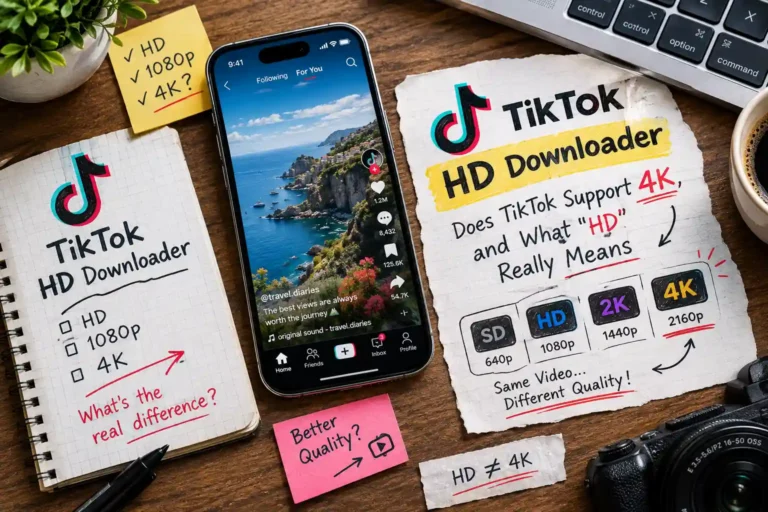
TikTok HD Downloader: Does TikTok Support 4K, and What “HD” Really Means
 Elsie
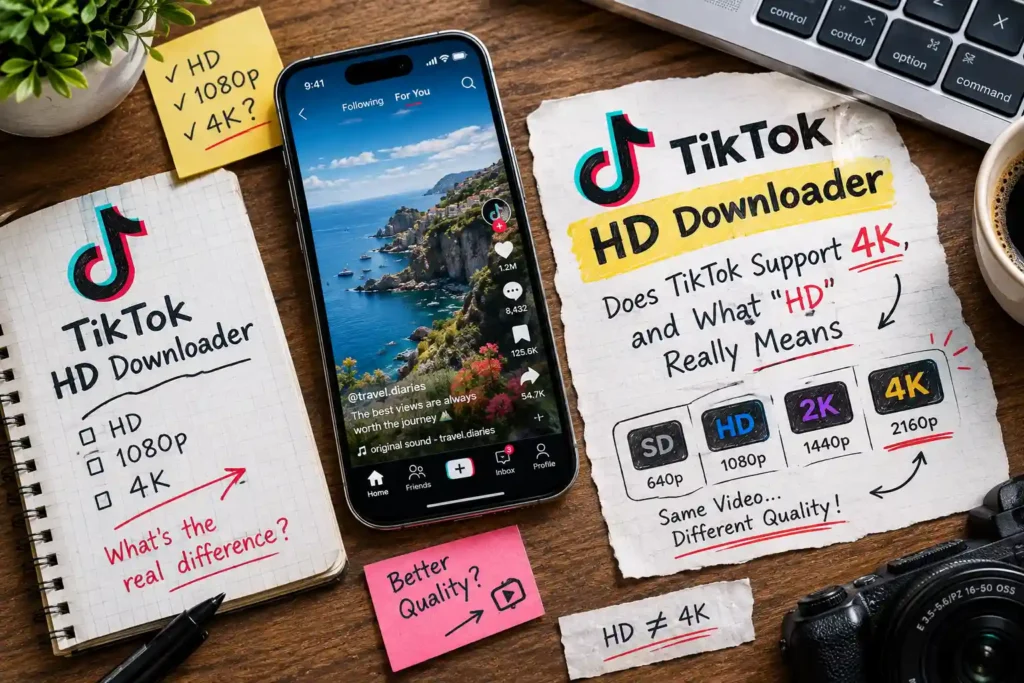
Searching for a way to download TikTok videos in 4K ? Before you look further, it’s worth knowing exactly what TikTok’s platform supports, what “HD” actually delivers, and why some downloads look sharper than others.
This guide gives you the honest technical picture, so you know exactly what to expect.
Does TikTok Even Support 4K? The Truth About TikTok Video Quality
No, TikTok does not support 4K video, for uploads, playback, or downloads. This surprises a lot of people, because “4K” gets thrown around a lot in downloader marketing, but it doesn’t reflect how the platform actually works.
Here’s what TikTok actually uses :
- Most videos are encoded at 1080p (Full HD) at most, and many are lower, depending on the creator’s original upload, their device, and TikTok’s own compression during processing.
- TikTok compresses every video after upload to keep file sizes small and streaming fast across millions of devices. Even a video shot in 4K on a phone gets downscaled and compressed before it’s ever published.
- No tool can add resolution that isn’t there. A downloader can only retrieve the file TikTok actually serves it can’t upscale a 720p video into genuine 4K detail. Any tool claiming to deliver “4K TikTok downloads” is either exaggerating or applying artificial upscaling, which doesn’t add real detail, just extra pixels.
If you see a downloader advertising 4K TikTok videos, treat that claim with skepticism. The most accurate quality you can realistically expect is 1080p, and even that depends entirely on the source.
What “HD” Actually Means When You Download a TikTok Video ?
Our TikTok video downloader offers three download options for any video: No watermark, HD, and With watermark. Here’s what each one actually delivers:
- HD pulls the highest-resolution version of that specific video that TikTok makes available this is the best possible quality for that upload, but it is not a guaranteed resolution like “1080p” every time. It reflects whatever the original creator uploaded and however TikTok compressed it.
- No watermark gives you a clean version without the TikTok logo or username overlay, at the same quality tier as the source.
- With watermark keeps the original branding visible, useful when crediting the creator matters more than a clean frame.
None of these options involve re-encoding, upscaling, or quality enhancement on our end. The file you download is retrieved directly, exactly as TikTok’s own servers store it. That’s actually the most trustworthy approach: what you see is what TikTok has, with no artificial sharpening that could introduce artifacts or misrepresent the original.
Why Your Downloaded TikTok Looks Blurry (And How to Fix It?)
If a downloaded video looks soft or pixelated, the cause is almost always the source video itself, not the download process. Here’s how to diagnose it:
- Check the original on TikTok first. Open the video directly in the app or on tiktok.com. If it already looks blurry there, no downloader can fix that — the quality issue exists at the source.
- It may be an old or reposted video. Videos that have been downloaded and re-uploaded (a common practice for reposts and compilations) lose quality every time, since each re-upload adds another round of compression on top of the last.
- Check your download option. If you accidentally chose a lower-quality result, or if your browser is displaying a cached older version of the file, re-download using the HD option to make sure you’re getting the best version available.
- Slow or unstable connections can sometimes cause a video to finish downloading incompletely, which looks like a quality problem but is actually a corrupted file. Try the download again on a stable connection if this happens.
If the video still looks blurry after trying HD and confirming the original looks fine on TikTok, the video was likely uploaded in lower quality to begin with and unfortunately, that’s not something any tool can reverse.
TikTok HD Downloader: Getting the Best Possible Quality Every Time
Since quality depends entirely on the source, the real way to “get better quality” isn’t a trick inside a downloader it’s picking the right video and the right habits:
- Always choose the HD option rather than the standard watermarked version, since it consistently pulls the highest-resolution file TikTok has for that video.
- Download from the original creator’s account, not a reposted or duetted version, which has already lost quality through re-compression.
- Avoid screenshots or screen recordings as a backup method they capture your screen’s resolution, not the video file itself, and almost always look worse than a direct download.
- For an entire account’s worth of videos, downloading each one individually at HD quality is more reliable than relying on third-party compilations, which are frequently lower quality. Our bulk TikTok downloader handles this efficiently, pulling up to 100 videos from one account in a single batch, each at the best available quality.
The bottom line: there’s no hidden “4K mode” to unlock, and no setting that improves a video beyond what TikTok itself provides. The most reliable path to the best quality is simply requesting the HD option and picking source videos with good original quality and if you need to check a creator’s account before downloading, our TikTok profile viewer lets you preview their content and stats first.