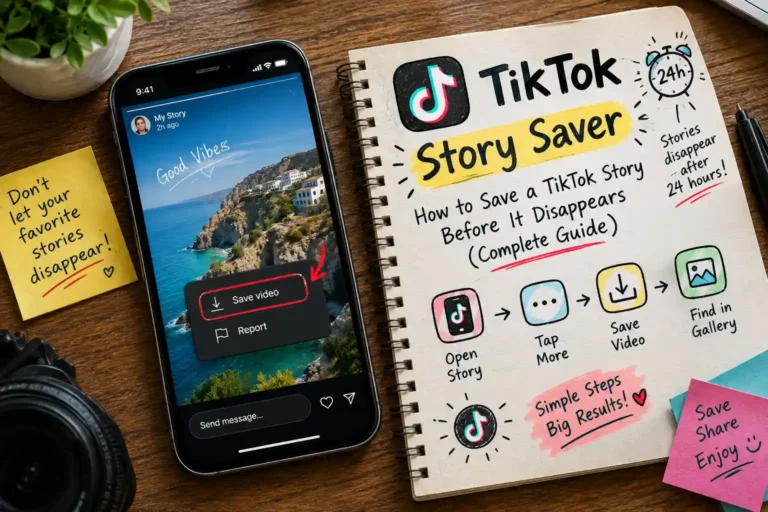
How to Save a TikTok Story Before It Disappears (Complete Guide)
 Elsie
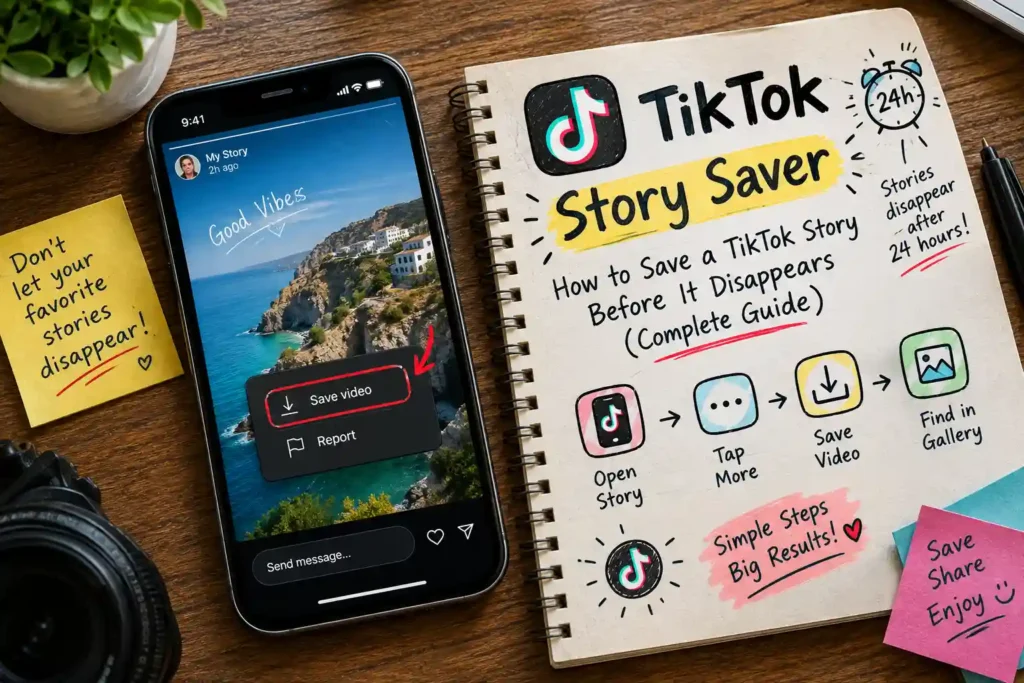
TikTok Stories vanish after 24 hours, and the app gives you no button to keep someone else’s story. If you’ve ever watched a story you wanted to keep and found it gone the next day, this guide is for you.
It covers how to save a TikTok story step by step, how long you actually have, what changes between devices, and what’s possible (and not) with private accounts.
How to Save a TikTok Story Before It Disappears (Step by Step) ?
You only need the story’s link. No app, no login and no account with the downloader are required.
- Open the story in the TikTok app.
- Tap Share, then Copy Link. (If you don’t see a copy-link option on a story, use the username method below.)
- Open our TikTok story downloader and paste the link into the box.
- Press Get Story and wait a few seconds for it to load.
- Choose the version you want: No watermark, HD, With watermark, or MP3 for the audio only.
- The file downloads straight to your device.
No link? Use the @username. Type the creator’s @username instead, and the tool lists their latest public posts so you can pick one. One honest note: this list shows recent posts from the account, not necessarily items from their story ring. If you specifically need a story, the story link is the reliable route.
Only public stories can be saved. If a story doesn’t load, the account may be private or the story may have already expired.
How Long Do TikTok Stories Last? What Happens After 24 Hours
A TikTok Story stays visible for 24 hours from the moment it’s posted. After that it disappears from the story ring around the creator’s profile picture, and other people can no longer open it.
What this means in practice:
- Expired means gone for downloaders too. A downloader can only fetch a story while TikTok is still serving it. Once the 24 hours pass, there’s nothing left to retrieve, so no tool can recover it.
- The clock starts at posting, not when you see it. A story you discover in the evening may only have an hour or two left.
- The creator may still have their own copy. If you know the creator personally, you can ask them to send you the original file.
The practical rule is simple: save a story the moment you see something worth keeping. Waiting until the last few hours risks losing it to a takedown or a technical hiccup.
Save TikTok Stories on iPhone, Android and PC: What’s Different ?
The steps are the same everywhere, because the downloader runs in your browser. What differs is where the file ends up and how you find it.
On iPhone and iPad
Use Safari (iOS or iPadOS 13 or later). After the download, open the Files app and look under Browse → On My iPhone → Downloads. To see it in your camera roll, open the file, tap Share, then choose Save Video.
On Android
Use Chrome or any modern browser. The video is saved to your Downloads folder and normally appears in your gallery app within seconds. If nothing shows up, check that your browser has storage permission in your phone’s app settings.
On Windows and Mac
Copy the story link from the TikTok app on your phone, send it to yourself (a message or notes app works), then paste it into the downloader on your computer. The MP4 lands in your Downloads folder. Press Ctrl + J in Chrome or Edge to see finished downloads quickly.
Any device works for the download itself, so use whichever is handy. If you plan to save a lot of content from one creator, a computer is the more comfortable choice.
Can You Save a Private TikTok Story ? Privacy, Notifications and What’s Allowed
Private stories can’t be saved. If a creator has restricted who can see their stories, or the whole account is private, that content is locked by TikTok. No downloader, app or website can open it, and tools that promise to are usually scams that ask for your password or push you to install something. If a site asks for your TikTok login before it lets you download, close it.
A few questions people often ask :
- Will the creator know I saved their story? HD Video Save doesn’t use your TikTok account, so the download itself isn’t tied to you. However, if you also watch the story inside the TikTok app, TikTok may show your view to the creator as it normally does.
- Is it okay to save someone else’s story? Saving a copy for personal viewing or reference is a common use. Reposting it, using it commercially, or removing the credit can infringe the creator’s rights, so always ask permission and give credit before sharing.
- How do I check if an account is public first? Use a TikTok profile viewer to see whether an account is public and what it shows before you try to save anything.
If you need more than one story or post from the same account, you can grab many public videos in one session with the bulk TikTok downloader.